Website Chatbot for Contractors: Turn Visitors Into Real Leads
July 3, 2026By Bor Cerlini
The Short Version
A website chatbot for contractors is a small chat window on your site that answers visitors' questions instantly, asks the qualifying questions your office would ask, and captures the visitor as a real lead with a next step attached, a scheduled callback or an estimate visit, at 2pm and at 2am. It exists because the standard alternatives leak: most visitors never fill out a contact form, and live chat only works if somebody is actually sitting behind it.
One of our clients, a windows and doors company, captured 30% more leads in the first month after adding one... without spending anything extra on marketing.
This guide covers how a chatbot compares to forms and live chat, what a good one has to do (answer, qualify, capture, hand off), the side benefit nobody talks about, and the one number that tells you whether yours is working.
How one company pulled 30% more leads out of the same traffic
You're already paying for every visitor who lands on your website. The ads, the SEO, the truck wraps, the referrals typing your name into Google... each one of them cost you something, so the real question is simple: how many of those visitors do you actually capture?
Take a windows and doors company we work with. Solid website, steady traffic, a normal contact form... nothing was broken, at least not visibly.
But without even knowing it, they were leaving money on the table every single day. Or more precisely: leads.
Why?
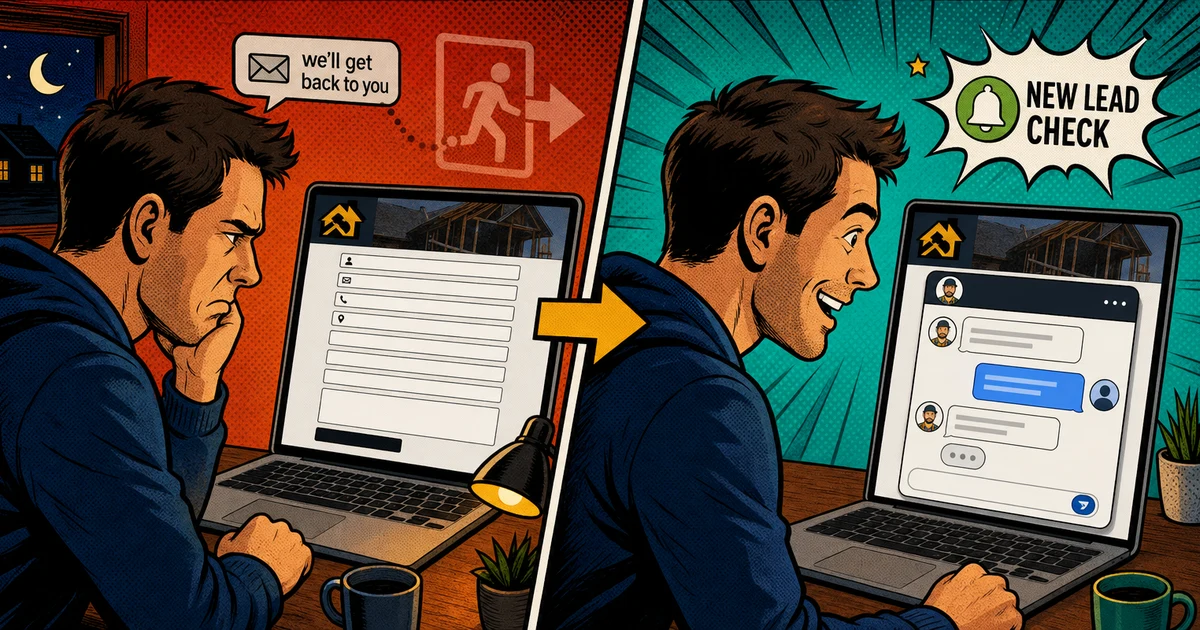
Because there were only two ways to reach the business: a phone call, which doesn't feel right at every hour, or a long form with a bunch of fields, which feels like homework before you even get to ask your question.
So the homeowners were always there. On the site, interested enough to look around... and a lot of them left without a trace.
Until the company added an AI chatbot to the site and generated 30% more leads in the first month alone.
Same website, same traffic, same month of the year.
The chatbot didn't create new demand... it caught demand that was already walking through.
The logic behind it is simple. A visitor lands with one question already on their mind, and instead of digging through your pages hunting for the answer, or filling out a form and hoping somebody actually gets back to them, they just ask. They get the answer on the spot, and a natural next step right behind it.
A bad chat window won't do any of this, though... it leaks just like the form does. So let's break down how a chatbot stacks up against the other ways a visitor can reach you, what a good one has to do, the side benefit nobody talks about, and the number that tells you whether yours is working.
A call, a form, live chat, or a chatbot: what each one actually catches
The contact form is the default catcher on almost every contractor website, and it quietly filters out most of your buyers. A form asks the visitor to do homework: name, email, phone number, a paragraph about the job... in exchange for silence and a maybe-reply later. A homeowner with a quick question ("do you even service my town?") won't make that trade, so they leave without a trace, and your analytics never show you the job that walked.
And the form's real weakness shows after submission: nothing happens. The visitor waits, keeps browsing, and lands on a competitor who answers faster.
The phone number belongs on the site too, big and clickable, because some homeowners simply prefer to call. Plenty of others don't, though... especially the ones browsing at 11pm who already know nobody will pick up. (That after-hours gap is its own leak, and on the phone side the fix is an AI voice receptionist.)
Live chat fixes the speed problem beautifully... when a human is behind it. That's the catch for a contracting business. Your office manager has a phone in one hand and a schedule on fire, nobody is watching the chat window at 7pm, and an unmanned live chat degrades into "leave your email and we'll get back to you." Which is a contact form wearing a costume.
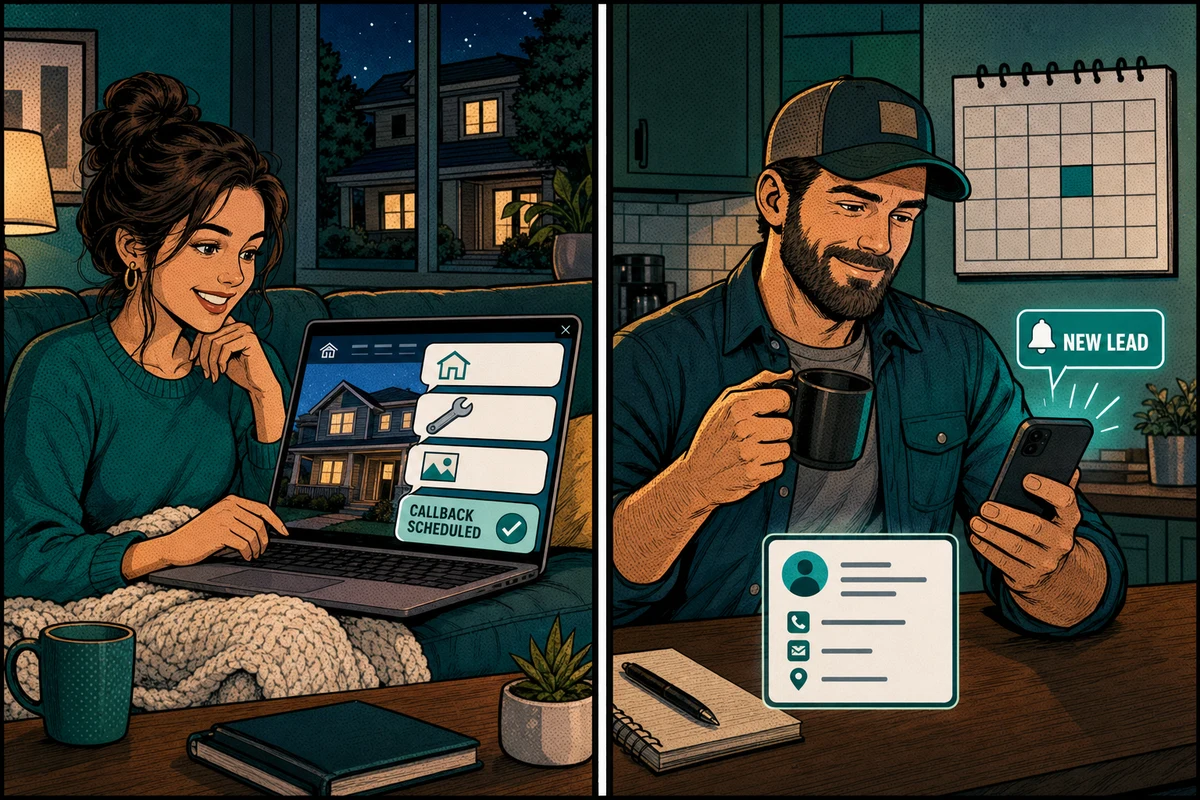
An AI chatbot is the version that matches how a contractor actually operates. It answers in seconds, every time, around the clock. It knows your services, your service area, and your process, so it can answer the real questions instead of deflecting them. And instead of ending the conversation with "someone will contact you," it asks for the job details and locks in the next step on the spot: a scheduled callback, or an estimate visit when the calendar allows it.
Underneath all of these options sits one principle, the same one that governs your phones and your lead follow-up: the first business that gives a real answer usually wins the customer.
It works because a homeowner's attention has a short window. The moment a question pops into their head is the moment they're most ready to act... and every minute that passes without an answer, the intent cools, the tabs multiply, and your competitor sits one search away.
Speed-to-lead is that principle on your phones. The chatbot is that principle on your website. It meets the visitor at the exact moment their interest peaks, answers the thing they actually asked, and turns that moment into a captured lead before it cools.
What a good website chatbot has to do
Chatbots range from useless to excellent, and the difference is almost never the technology. It's what the bot knows and where the conversation ends. A good one does four things:
Answers real questions. Services, service area, rough process, timelines, financing basics. If a visitor asks something and gets "great question! please leave your email," that's a lead repellent, not a chatbot.
Qualifies like your office would. What's the job, where's the house, what's the timeline, photos if they help. By the end of the chat you should know whether this is a real prospect, without anyone on your team lifting a finger.
Ends with a next step, inside the tools you already use. The conversation should land as a contact in your CRM with a concrete next step attached, a scheduled callback or an estimate on the calendar, not as a transcript in a separate dashboard your team has to remember to check.
Hands off when a human is needed. Angry customer, complex commercial job, anything unusual... the bot's job is to recognize it and route it, not improvise.
One piece of advice that will save you headaches: don't let the bot quote complex work. Pricing a full window replacement or a roof takes eyes on the job, and a bot that guesses numbers creates problems your sales visit then has to undo. Collect the details, book the estimate, stop there.
The side benefit nobody talks about
The same windows company got a second win they didn't expect: the chatbot's transcripts.
Homeowners typed in questions the owner had never thought to address anywhere... things the sales team heard occasionally but nobody had written down, and the website certainly didn't answer. Within weeks they had a written list of what their market actually wants to know, in the customers' own words.
That list is marketing gold. It tells you what your ads should say, what your website pages are missing, and what your sales reps should lead with. Every chat is a tiny piece of market research you'd otherwise pay for... and it accumulates on its own.
Chats are vanity. Captured leads are the number.
If you already have a chatbot, or you're evaluating one, judge it on one line of math: conversations started versus leads captured.
A bot can have hundreds of chats a month and still be failing, because it deflects questions or dead-ends into "we'll get back to you." And a bot with modest chat volume can be quietly excellent, turning a high share of the people who engage into real leads.
So pull the numbers monthly. Chats started, leads captured, callbacks and estimates scheduled, jobs won. If the funnel narrows sharply between "chats" and "captured," the bot doesn't know enough about your business to be useful yet... which is a setup problem, and it's fixable.
Is a chatbot worth putting on your website?
Putting a chatbot on a contractor website pays off in most cases, for the reason this post opened with: the traffic is already there and already paid for. A form catches the determined few... a chatbot catches the curious majority, and the curious are where that extra 30% came from.
And if you'd rather see this on your own business than read about it, we run a free mini-audit. We'll show you what's actually possible with an AI chatbot on your site, demo one working live, and point out the other spots where automation could bring in more leads, convert more of the ones you already get, or pull you out of the day-to-day bottlenecks. If it looks useful, we take it from there.
Catch the visitors you already paid for,
Bor Cerlini
Frequently asked questions
What does a website chatbot for contractors do?
It sits on your website, answers visitor questions instantly at any hour, asks qualifying questions (job type, location, timeline, photos), and drops the visitor into your CRM as a lead with a next step attached, a scheduled callback or an estimate visit. When a conversation needs a human, it hands off instead of improvising.
Is a chatbot better than a contact form?
For most contractor websites, yes, because it removes the two things that kill form conversions: the homework and the wait. A visitor gets an answer in seconds instead of trading their contact details for silence. Keep the form as a backup for people who prefer it... the two aren't mutually exclusive.
What's the difference between live chat and an AI chatbot?
Live chat is a human typing in real time, and it's excellent while someone is actually staffing it. An AI chatbot answers on its own, so it covers evenings, weekends, and the hours your office is buried. Many contractors run the AI as the first responder with a human takeover option when needed.
Will a chatbot give customers wrong prices?
Only if it's set up to guess, which it shouldn't be. A properly configured bot answers general pricing questions in ranges you approve, or explains that real work gets priced with an estimate, then books that estimate. Never let a bot invent numbers for complex jobs.
How much do website chatbots for contractors cost?
It depends on how much of it is built around your business. A generic script widget costs little and behaves like it, while a bot trained on your services, area, and booking flow carries a one-time setup plus a monthly fee. The better frame is investment, not cost: take what an average job is worth to you, count how many extra jobs a month would cover it, and judge from there. For most contractors that bar turns out to be very low.
Do homeowners actually use website chat?
Yes, especially for the quick pre-sales questions they don't want to make a phone call for: "do you service my area," "do you handle jobs like mine," "roughly how long does this take." Those small questions are often the first step of a large job, and the business that answers them first is usually the one that gets the estimate visit.